Shopify vs. WooCommerce: Self-hosted ecommerce is cheaper and more customisable
The pros and cons of WooCommerce and Shopify.

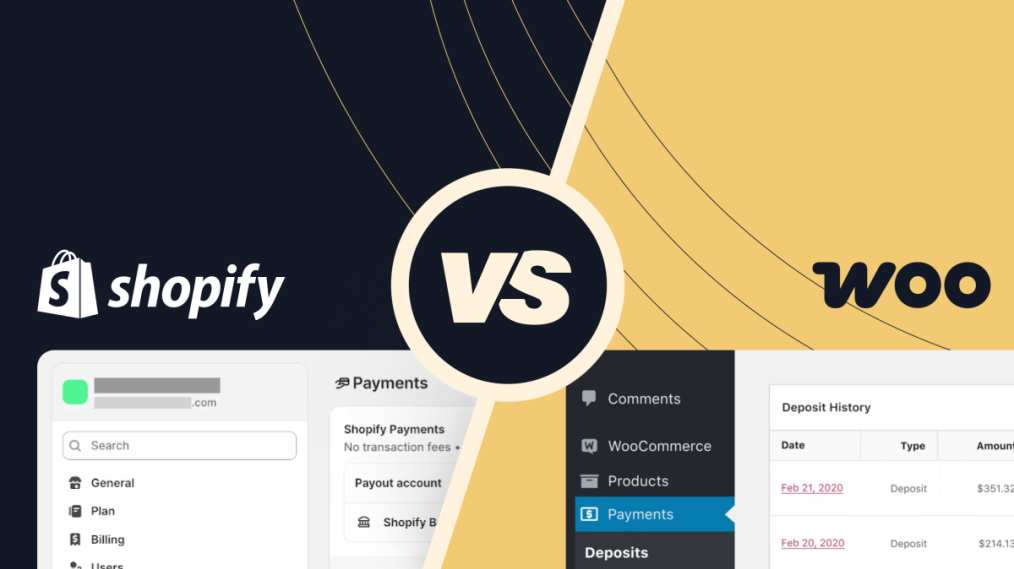
Looking to set up a new ecommerce store? It’s worth your time to dig deeply into both WooCommerce and Shopify before choosing one or the other.
You’ve almost certainly already heard about Shopify. It’s an all-in-one ecommerce platform, with website design, hosting and CMS all built into the same package. Individuals and businesses can use it to create and manage their own online stores, without needing coding knowledge. It’s popular—there are nearly 3 million active Shopify stores worldwide. But when you’ve built a website on Shopify, it’s stuck on Shopify. And they have a track record of jacking up their prices. They know it’s difficult for you to move away and change platform providers.
But Shopify isn’t your only option.
Your other option: WooCommerce
WooCommerce is a free WordPress ecommerce plugin, designed for websites selling physical and digital products. Like Shopify, WooCommerce makes it easy for customers to purchase and download products instantly. Unlike Shopify, you’re not restricted to their plans, pricing, hosting servers, or selection of themes.
Instead, you’ve got the flexibility of running your site on WordPress. You retain full control to customise it as you please, and host it with a provider that makes sense for your business. It’s built with customizing in mind, you can mix and match your preferred add-ons.
Let’s compare the benefits and drawbacks of Shopify and WooCommerce to help you figure out which platform is the best choice to build your new web store on.
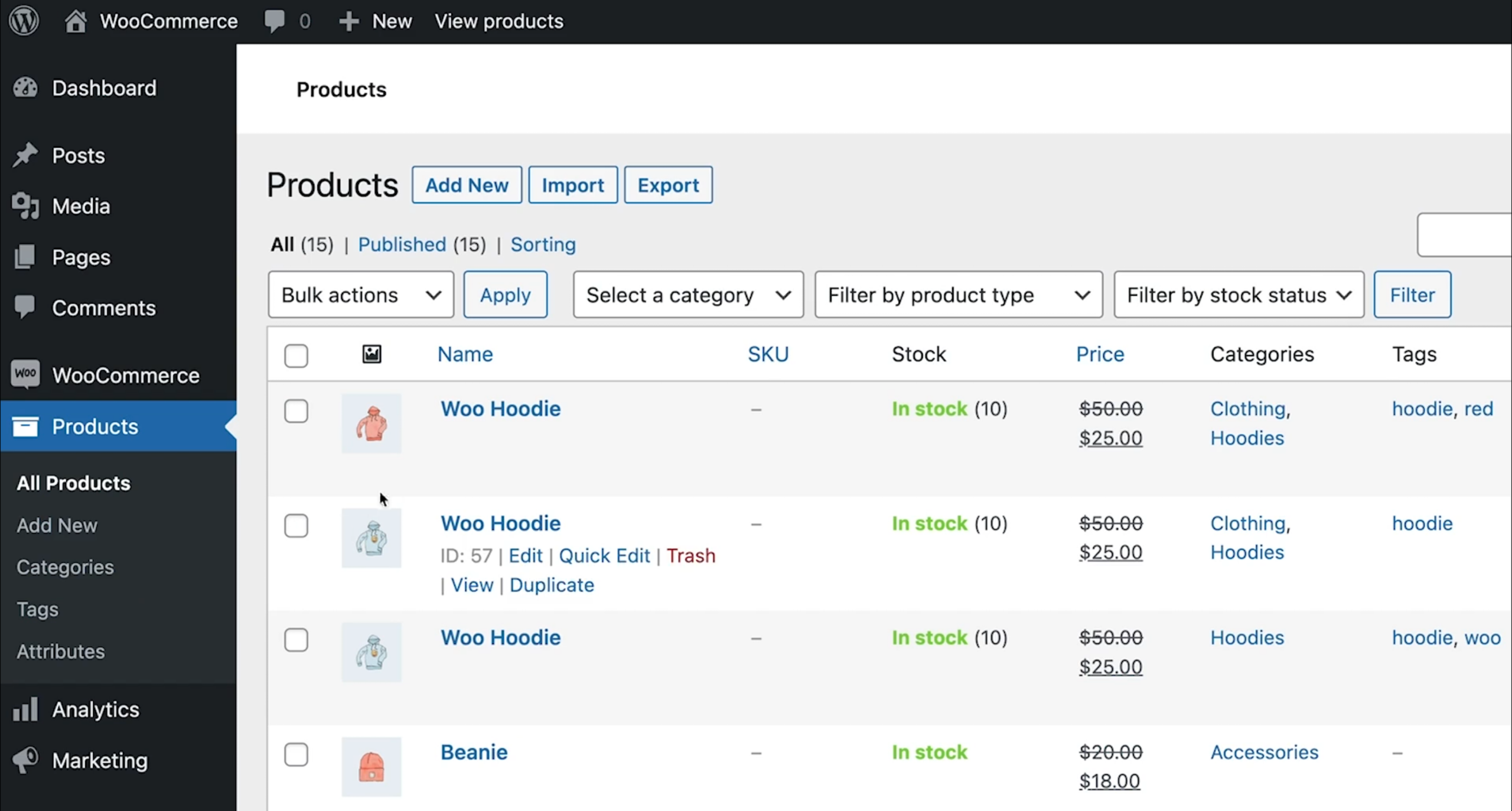
Choosing a cost-effective ecommerce solution
What does it cost to host a WooCommerce site?
One of WooCommerce’s biggest perks is that it’s a free WordPress plugin.
Like with all WordPress sites, you’ll still need to pay for Web Hosting and a Domain. That’s the same cost you’d have to pay to run any website, ecommerce or not. (It’s also a small part of the costs that are already built into Shopify.)
Once you’ve learnt the basics of working with WooCommerce, what really makes it shine are the extras. We’re talking about a variety of plugins, hosting plans, and themes; all the features that give your online store that extra wow factor.
While WooCommerce gives you the foundation, it is up to you to add those personal touches that make it uniquely yours. It’s budget friendly, customisable, and it’s got everything you need.
Oh, and unlike Shopify, WooCommerce doesn’t take any transaction fees.
How much does hosting a Shopify website cost?
Shopify offers four pricing tiers ranging from US$39 to US$2,300 (as of April 2026). But, before you dive headfirst into that $39 USD a month deal, it is worth taking note of all the extra costs that can sneak up on you.
Every time you make a sale, Shopify quietly takes a cut under the disguise of a payment processing fee (and that’s before the vendor takes the actual payment processing fee). Just remember, while Shopify is all shiny and tempting from a quick glance, those deals might not be so sweet in the long run.
Over time those bills start piling up really fast, and once you’re in, it’s like they bolt the door behind you. This is part of Shopify’s lock-in system that creates a permanent barrier, preventing you from exporting your Shopify store to another platform, transfer it to a more affordable web host system, or even access all the necessary data for a seamless rebuild elsewhere.
Which ecommerce platform has better local support?
What support can I get with a WooCommerce website?
Because WooCommerce runs on WordPress, you can choose any web host and any domain you like. That means you can host your website right here in Australia (as long as you choose your hosting wisely), and get yourself an .au domain in the same account.
Plus, WordPress and WooCommerce are universal systems. No matter where you’re based, there’ll be local developers and designers readily available to lend a hand whenever you need them. That means no more waiting around for emails from across the globe. With WooCommerce, you’re plugged into the local scene, keeping things convenient and cosy.
Does Shopify have Australia-based support?
Shopify is a big player in the ecommerce world, but it’s not exactly local. It’s a Canadian company and it’s a closed system, so they lock down your hosting locations and domain options.
Shopify offers no local hosting option, and the only way to have a .au domain is to bring your own domain from another supplier. If you’re all about keeping things close to home and having that local support network, Shopify might not be the right move for you.
Which ecommerce platform is more secure?
How secure is a WooCommerce website?
When it comes to keeping your site safe, WooCommerce puts you in the driver's seat. You’re not limited to what comes in the box—you’ve got the whole world of WordPress at your fingertips.
The basic WordPress install is deliberately feature-light, so you’ll have to add most non-essential features yourself via plugins. Many basic features like 2FA aren’t provided by default, but like all of WordPress, WooCommerce has a community of developers creating plugins that you can install. If you want your website to have 2FA, you just need to install a plugin. Decided that your website needs a reCaptcha tool? Just a plugin install away. Keep in mind, some of these plugins and extensions will have ongoing costs that you’ll have to account for.
The curated plugin approach also comes with the added responsibility of updating WordPress plugins. Outdated plugins are the #1 way hackers get into websites, so it’s definitely something to stay on top of.
One added bonus of running a WooCommerce store is getting to choose where your website and its data is hosted. You can choose who hosts your servers and where they’re hosted, ensuring all your data stays in a specific jurisdiction and avoids any data sovereignty messiness.
When you use MyHost, you’re hosting with a 100% Kiwi provider. As well as being based in New Zealand and running our own data centre here, we're also New Zealand-owned.
What security options does Shopify offer?
Shopify does a solid job at keeping things secure for shoppers. Users can browse around without worrying too much about unknown encounters, and all Shopify accounts can be secured with 2FA.
Shopify has the basics covered, but when it comes to customising security measures it’s like trying to fit a square peg into a round hole. You’ll find yourself stuck with what they give you, crossing your fingers it has all your bases covered.
If you’re hosting your ecommerce store with Shopify, you’re locked in. Your website and all its content is stuck on Shopify. You can’t shop around for the next best web hosting provider to further fortify your store.
Shopify’s security is satisfactory, but there’s always room for improvement, and sometimes, a little extra customisation goes a long way.
Is WooCommerce or Shopify easier to use?
How easy is it to get WooCommerce up and running?
WooCommerce does require a little bit more elbow grease to set up compared to other platforms, but once you’ve got it set up there’s a lot you can do with it.
Since it’s a WordPress plugin, and since WordPress is the most popular CMS is the world, there are a great deal of free and easy tutorials and resources on the internet to help you get more comfortable with the system. Once you’ve got this down, the possibilities are endless. The initial setup might seem daunting at first but once you’ve got WooCommerce up and running, your options will be wide open.
If you’re all about flexibility, customisation, and building something that’s truly yours, WooCommerce is the place to go.
How easy is Shopify to use?
When it comes to user friendliness, Shopify often gets praised for its simple and intuitive interface, usable for people of all technical skill levels. But keep in mind; while it’s user-friendly, Shopify has its limitations. Many of Shopify’s features aren’t as flexible as you’d want them to be, and if you ever want to switch platforms, then you’re out of luck.
Getting away from Shopify means a complete rebuild of your site from the ground up, and (depending on how many of its store management features you're using) potentially a lot of reorganising how your business operates and keeps records.
What payment options do shoppers have?
What payment gateways are compatible with WooCommerce stores?
WooCommerce has a lot of options for payment gateways that you can install as extensions.
These include Stripe, PayPal, Mastercard Merchant Cloud, and Square, as well as buy-now-pay-later options like Klarna and Afterpay. These are some of the most popular online payment gateways, and likely meet the needs of almost all customers.
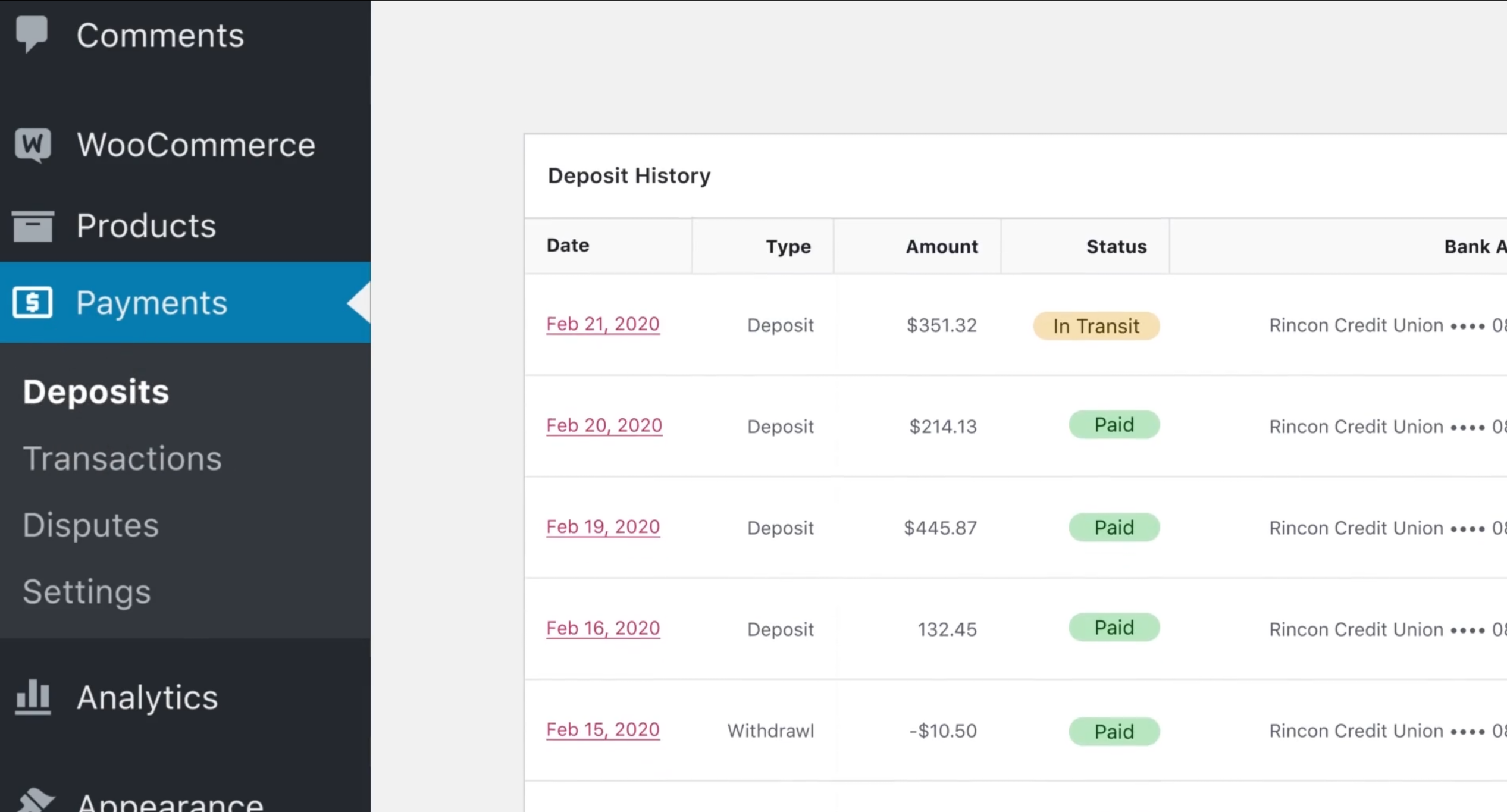 Each payment gateway has its own pricing model, and pros and cons, so do your own research before deciding which gateway to use.
Check out the full list of official payment extensions supported by WooCommerce.
What payment gateways can Shopify customers use?
Because Shopify is a large multinational company, they have a long list of commercial partners. That means any web store you set up with Shopify has over 100 different payment gateway providers across the world to choose from.
With that in mind, Shopify requires you to pay a cut to the payment provider on each sale as well as a “payment processing” fee to Shopify. They’re scraping extra cream off the top of each transaction (2% of each sale on the Basic plan), that you’d be able to keep for yourself with WooCommerce. If you choose to adopt Shopify’s own Shopify Payments gateway option you only pay their standard credit card processing rate.
Who handles the backend?
What does it take to set up a WooCommerce store?
When setting up your online store on WooCommerce, you’ll find yourself adding a combination of hosting plans, plugin installations, and themes.
Themes are an integral part of the WordPress development and design process. They serve as a preset design that controls everything from colours, to fonts, to an entire layout. It’s essentially what you see when viewing the front-end of your site. There’s 1,000s of free WordPress themes to choose from in the WordPress.org theme directory, as well as even more both free and paid from third-party shops and directories.
WooCommerce works with almost all WordPress themes, as it’s designed to integrate seamlessly within existing WordPress sites. There are themes on the WooCommerce website that are WordPress themes specifically built for ecommerce stores, so that’s often a good first place to look if none of the themes in the directory look like they’d work for your store.
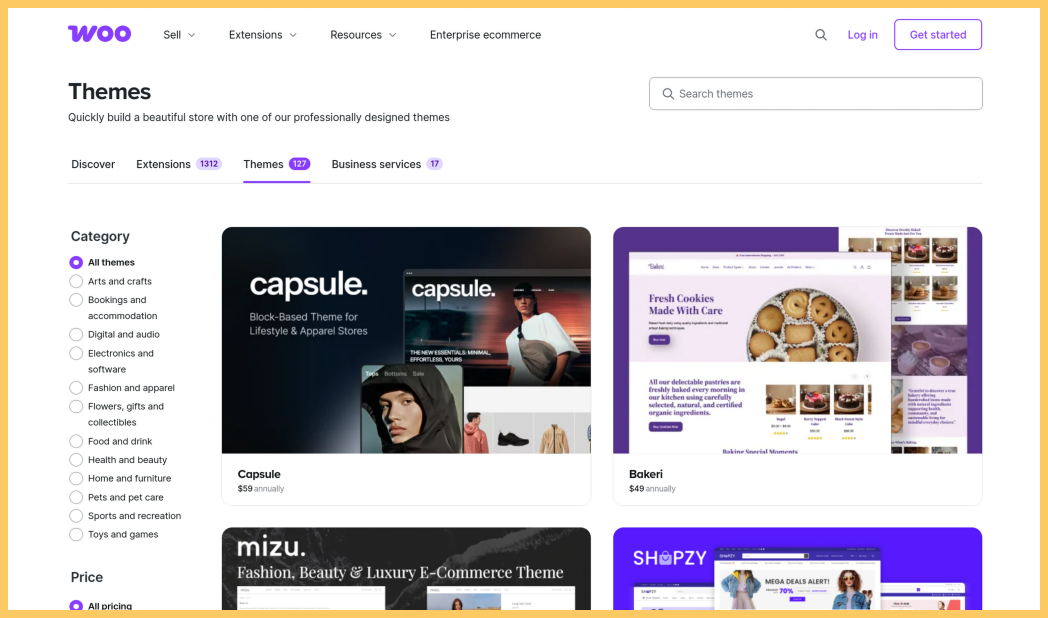 Tallying up these extra services (plugins, themes, extensions, domains, hosting) can feel a bit like a grocery bill.
But self-hosting is also an opportunity to craft a totally unique shopping experience for your customers. It can mean a bit more work, but the customisation and control it offers is worth it.
This is where picking the right Web Hosting provider comes in. Your web host handles all the nitty-gritty tech stuff, leaving you to swoop in with your killer products and customer service.
Who controls the backend of a Shopify store?
When you’re all in with Shopify’s hosting, you’re essentially handing over the reins of your website’s backend to them. Sure, it’s convenient because you don’t have to worry about the hosting and management needs of your website. But at the end of the day, it’s not really yours.
With Shopify’s hosting, you’re stuck playing by their rules. Perhaps you’ve got a showstopping idea for a feature that could take your online store to the next level—if it doesn’t fit neatly into their framework, then you’re out of luck. You’re at their mercy for what you can and can’t tweak.
While it’s nice to have Shopify handle all the technical stuff, it does come at a cost—namely, your freedom to fully customise and control your online store. It’s a trade-off you’ll want to think long and hard about before diving in.
Choosing a WooCommerce host
Managing additional hosting tasks can sometimes become overwhelming if you’re already running your own WooCommerce WordPress site. This is where MyHost steps in, serving as your reliable partner for all hosting needs. With MyHost, you can rest assured knowing that you won’t feel burdened by any extra work because we’ve got you covered.
What does MyHost offer?
- Competitive price point
MyHost provides competitive pricing options for small, medium and large hosting plans. See if our WordPress Hosting is right for you and your business. - Top notch security
All MyHost customers benefit from automatic daily backups. MyHost conducts a daily backup of your website and securely stores it offsite for 14 days, ensuring access is readily available whenever needed. - 24/7 support
MyHost ensures round the clock support to all customers, with engineers readily available to offer expert advice in case of emergencies. Additionally, MyHost employs monitoring and alerting systems to get promptly notified of any power or connectivity issues. - Secure SSL encryption
MyHost offers secure SSL encryption. MyHost’s Web Hosting plans come with a complimentary SSL certificate, guaranteeing protection for your website. MyHost customers can enjoy the convenience of a one-click install feature.
Making the better ecommerce choice for your business
If you’re comparing ecommerce solutions for a new online store, WooCommerce’s unbeatable combination of affordability, customisation, and local support really makes it shine. Running a WooCommerce site lets you create your ecommerce store as you see fit, without being restrained by your provider’s arbitrary limitations. And that’s all without mentioning that there’s an abundance of customisation options, plus the ability to host your site locally with a .nz domain and access nearby support.
Shopify has a shiny facade and simple-looking pricing tiers. It makes it simple to work right out the box, but its transaction fees and regularly rising subscription costs are a hard pill to swallow. WooCommerce instead offers flexibility, control, and the ability to build something that is uniquely yours.
If you’ve decided that you want to run a WordPress site with WooCommerce, MyHost is ready to step in as your reliable partner for all your hosting needs. With competitive pricing options, top-notch security, and round-the-clock support, MyHost ensures that you can focus on growing your business while we take care of the technical aspects.
If you’re ready to build your online store with WooCommerce, MyHost is here to support you.
Hosting & Domains
See what MyHost has to offer
Web Hosting
From $7.95/mo
AU Domains
Only $12.00/yr
WordPress Hosting
From $7.95/mo
Virtual Servers (VPS)
From $16.95/mo
Need help deciding?
Any questions about hosting an ecommerce site? Get in touch with our friendly team.
Contact usPeople Sharing The Love
These guys are amazing. I've signed up for their web hosting service. I moved from Bluehost and the move has been incredibly smooth. The service is so much faster than what I had. And the customer service is 5 star! Love you guys :) and thanks! It's the perfect service for someone who knows bugger all about hosting & domains.

Finally!! mikeleggbooks.com/shop is up and running again and the emails work again. Check it out, it works! We are so grateful to MyHost who made the transition so easy after the chaos we have experienced from our last internet website provider. So a shout out to this company if you are looking for a website and want efficient, professional and outstanding service.

Best Hosting Service I have had after 25 Years in IT. Your after sales service and the technical ability of your support staff is great and always very helpful. I am not sure if you have 24/7 support, but it seems no matter when I contact the support email address, I get a reply. I always appreciate good after sales service, thank you so much. ★★★★★